USER GUIDE
Plans and billing
Compare plans and manage your subscription or add-on.
Choose a plan
| Benefit | Price | Includes |
|---|---|---|
| Free | $0 | Three account connections, brands, drafts, scheduling, media, manual alt text and hashtags, and supported analytics. |
| Crickets+ | $25/month or $240/year | Unlimited account connections and AI Rewrite, AI alt text and hashtag suggestions. |
| API/MCP add-on | $5/month or $50/year | Developer tokens, API, MCP and webhooks. Requires Plus. |
| Both together | $30/month or $290/year | Two products in one Checkout, renewing together. You can cancel the add-on separately. |
Annual Plus saves 20% compared with monthly billing. Existing $200 annual subscriptions keep their original price.
Publishing, storage, media and platform limits apply on every plan. An account needing reconnection still uses a Free slot; disconnecting releases it. See current pricing and availability.
Upgrade and manage payments
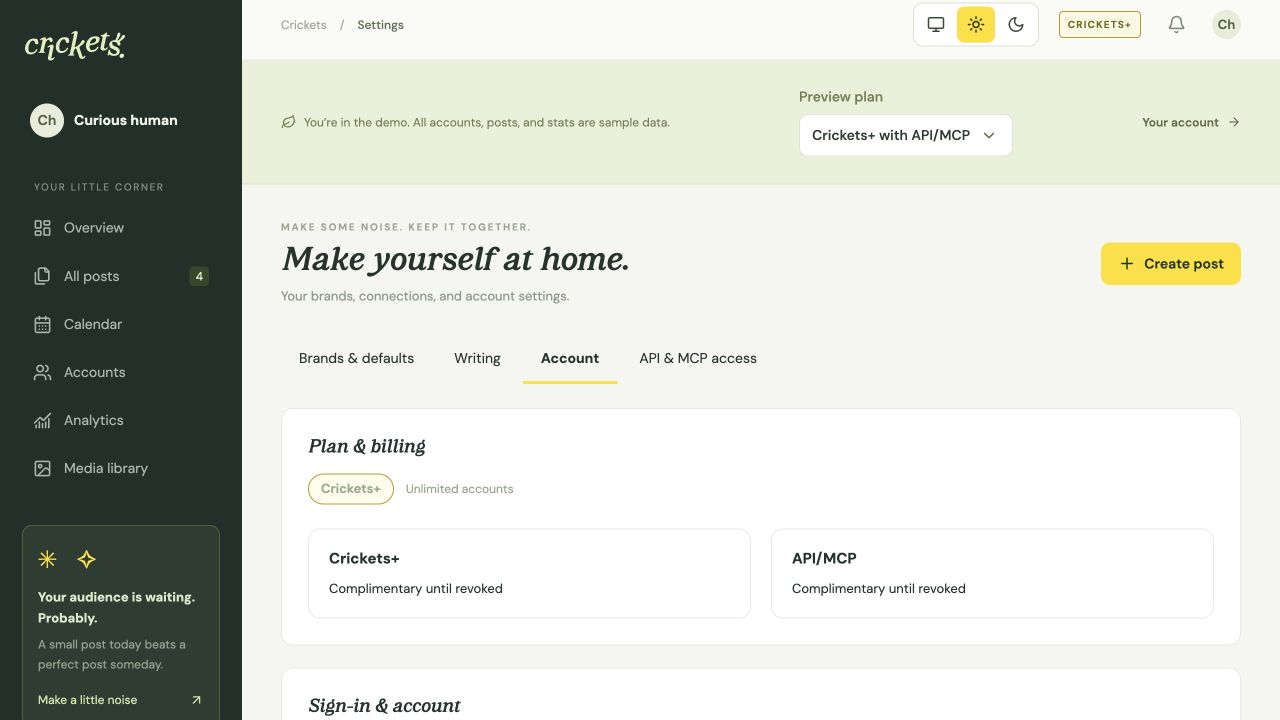
- Open Account settings → Account. Choose Plus alone or Plus with API/MCP, then monthly or annual billing.
- Review the initial charge, renewal date, discount and any tax in Stripe Checkout before paying. Access starts after confirmed payment.
- Use Manage payments & cancellation to open the Stripe payment portal. Use the app’s billing-period selector to schedule a change at renewal.
Paid Plus upgrades may be full during the limited launch. Free signup stays available. Monthly paid Plus permits only a monthly add-on. Annual or complimentary Plus permits either period. Paid add-on renewals align with Plus; annual additions are prorated to its next renewal.
Cancel the add-on or the whole subscription
To keep Plus and cancel only API/MCP, choose Cancel add-on renewal in Account settings or API & MCP access.
For a bundle, cancellation in the Stripe portal stops the whole shared subscription. Existing separate subscriptions remain separate.
Paid access continues until the end of the period you paid for. Cancellation does not trigger an automatic refund. Billing-period changes take effect at renewal.
A paid add-on ends when Plus ends, unless you also have complimentary Plus.
Payment failures and downgrades
Complimentary Plus and API/MCP access can be granted separately. Each benefit lasts until revoked.
After a failed renewal, an existing subscription keeps access for seven days from the first unresolved failure. An initial payment failure does not activate access. Confirmed payment restores access.
After Plus ends, choose three active accounts if you have more than three. Connections and history stay intact. Reschedule any posts that became overdue while publishing was paused.
Losing developer access suspends tokens, MCP connections and webhooks without deleting them. You can still revoke credentials.
Something unclear? Tell us what would help.