See each post before it goes out. Sample data, shown for illustration.
LOOK A LITTLE CLOSER
What is in your corner?
Choose a workflow to explore the details, the useful controls and the limits worth knowing.
DraftReviewSchedule
Every plan
A calendar that does the remembering.
See the day’s workload
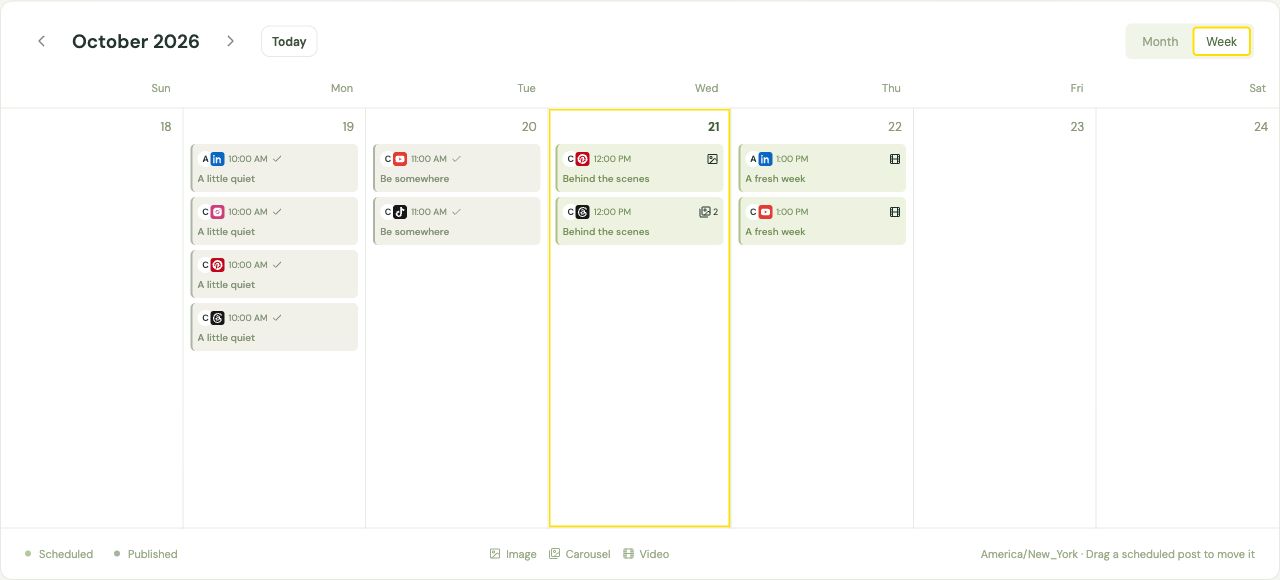
Month and Week show counts for the destination cards visible each day. The Scheduled tab lists the next posts first. Use Filter for brand, platform, replies and external-post visibility.
Group accounts by brand, including multiple profiles from the same network. Brand and platform filters work together.
Your dates, your timezone
Save drafts, publish now or schedule a specific date and time. Switch Calendar between Month and Week.
A queue for regular posting
Save shared or account-specific posting slots, then Add to queue to use each account’s next free slot. Pause pending publishing when you need a break.
Reusable starting points
Save text templates with placeholders, load them in the composer, and keep saved hashtag groups for the subjects you return to.
Campaign links & weekly goals
Build labeled campaign links and set per-account weekly posting targets. Goals help you spot gaps; they do not schedule posts for you.
Recurring posts
Create separate scheduled occurrences. Edit unstarted occurrences together, or stop a series while keeping published history.
Actual Crickets interface. Sample data, shown for illustration.
Every plan · account requirements apply
One idea. The version each account needs.
Choose more publishing formats
Create supported Facebook and Instagram Stories, mixed image/video carousels for Instagram and Threads, and LinkedIn document posts. Add a first comment on eligible destinations. Format and connection requirements vary.
Connect X / Twitter, Facebook, Instagram, LinkedIn, YouTube, Bluesky, TikTok, Pinterest and Threads. Supported account types and permissions vary. Check platform requirements →
Tailor each destination
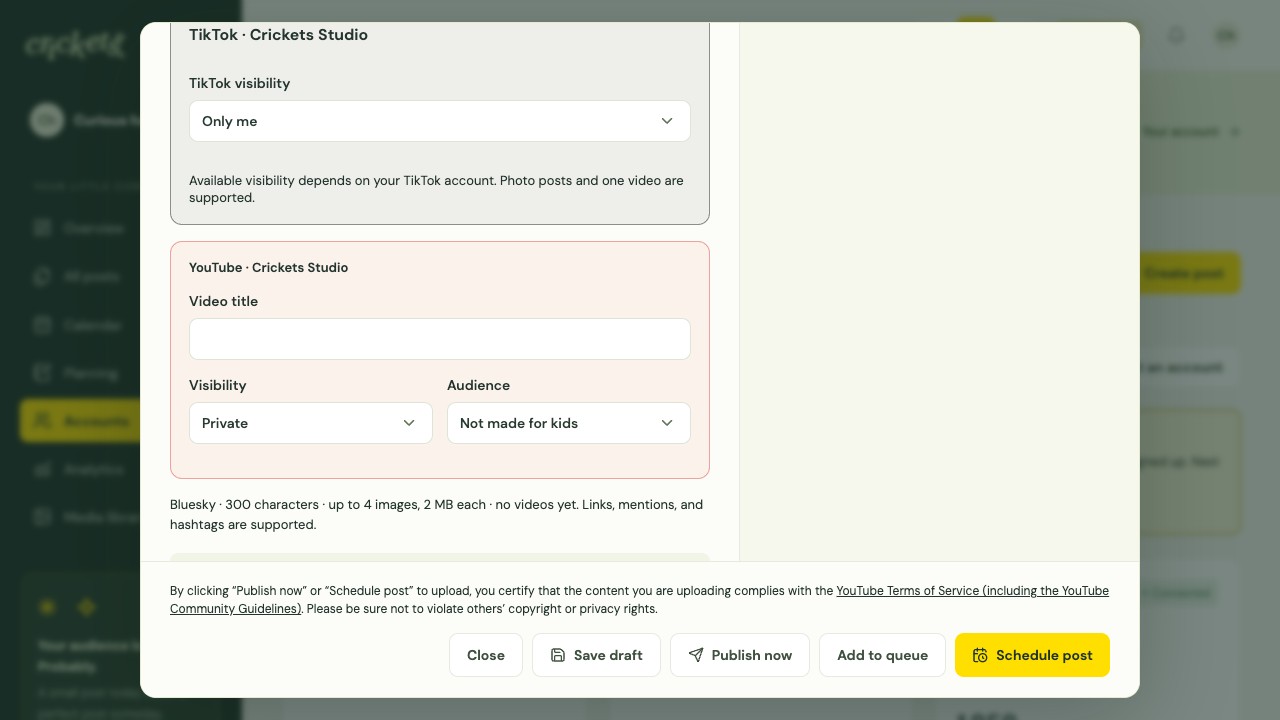
Start with shared text and attachments, then give any selected account its own caption, media and supported settings.
Facebook & Instagram Stories
Publish one image or video to an eligible account. Stories do not use your post text as a caption; interactive stickers and music are unavailable.
Mixed image/video carousels
Keep attachment order with up to 10 items for Instagram or 20 for Threads on eligible connections. Threads also offers an optional topic and reply permissions.
LinkedIn documents
Attach one PDF, DOC, DOCX, PPT or PPTX with its own title. Documents can be up to 100 MB and 300 pages.
First comments
Add a first comment on eligible Facebook, Instagram, LinkedIn, Threads and TikTok destinations.
Visibility, boards & audience
Choose allowed TikTok visibility and an optional photo title, set YouTube’s title, audience and visibility, or choose a Pinterest board with a Pin title and destination link. MP4 uploads must be below 10 MB.
Actual Crickets interface. Sample data, shown for illustration.
Every plan
Give the next post another look.
Preview and review posts
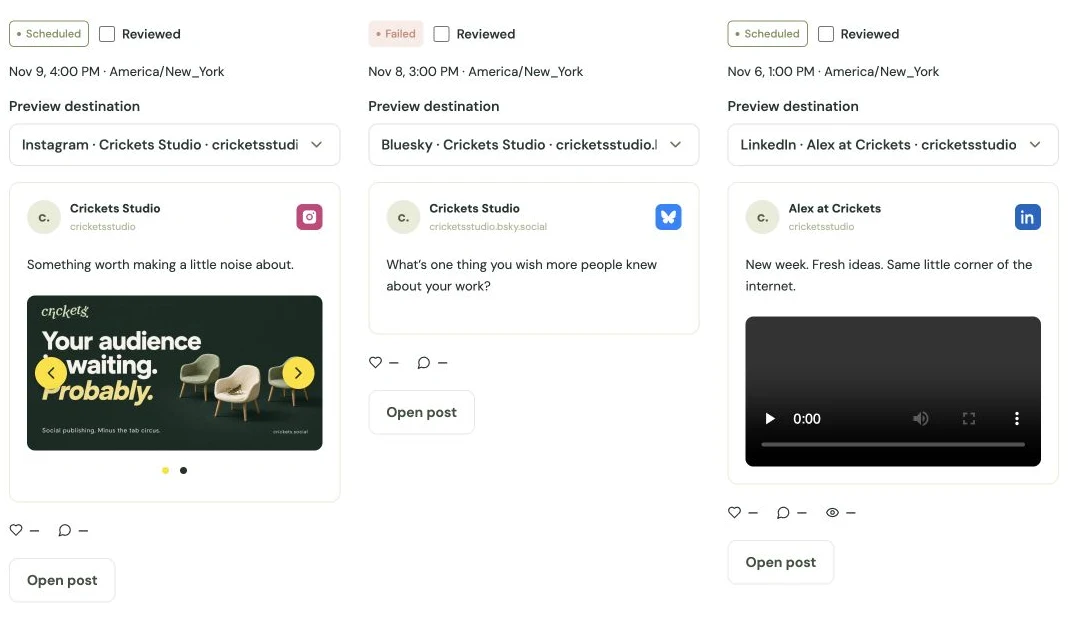
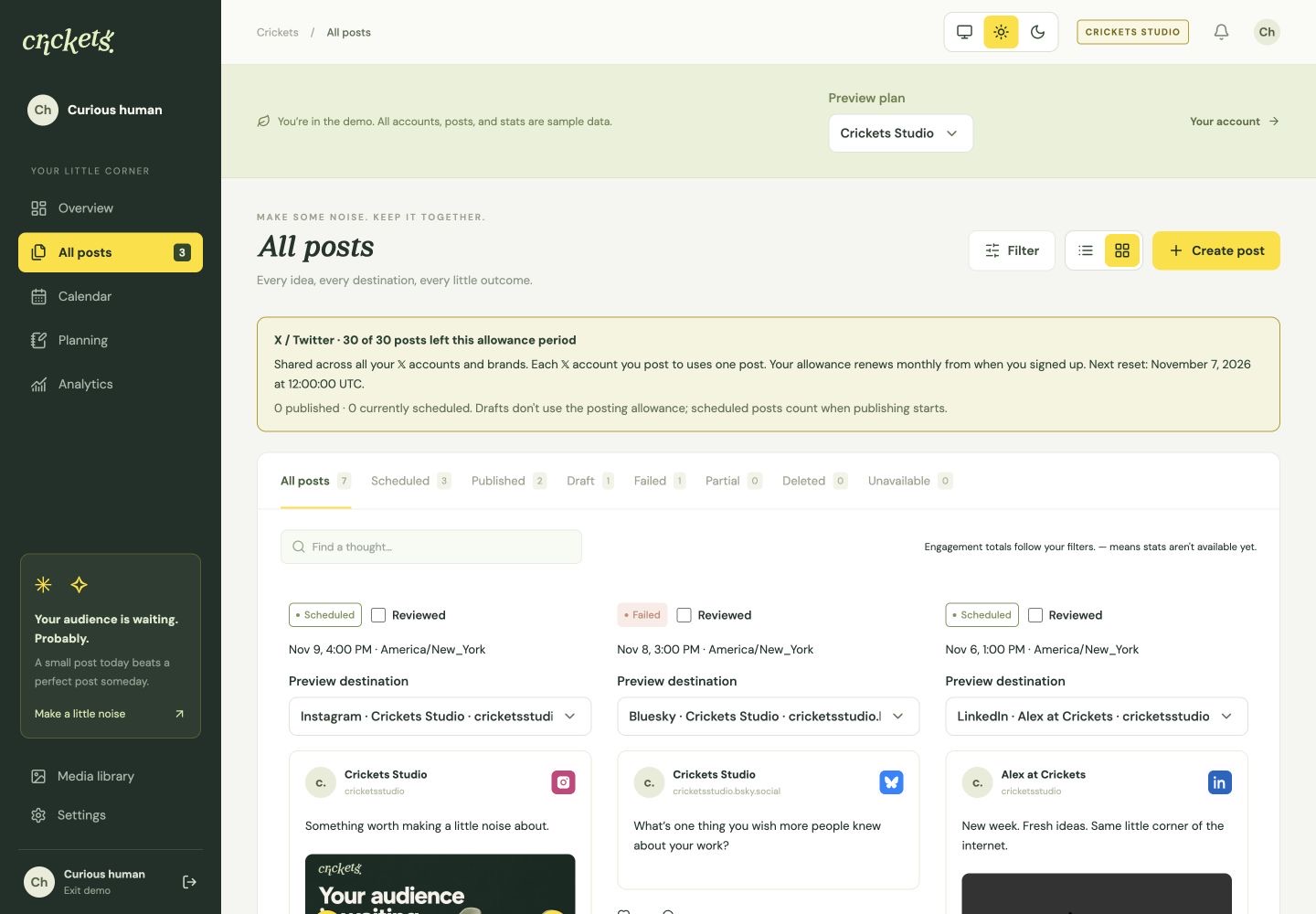
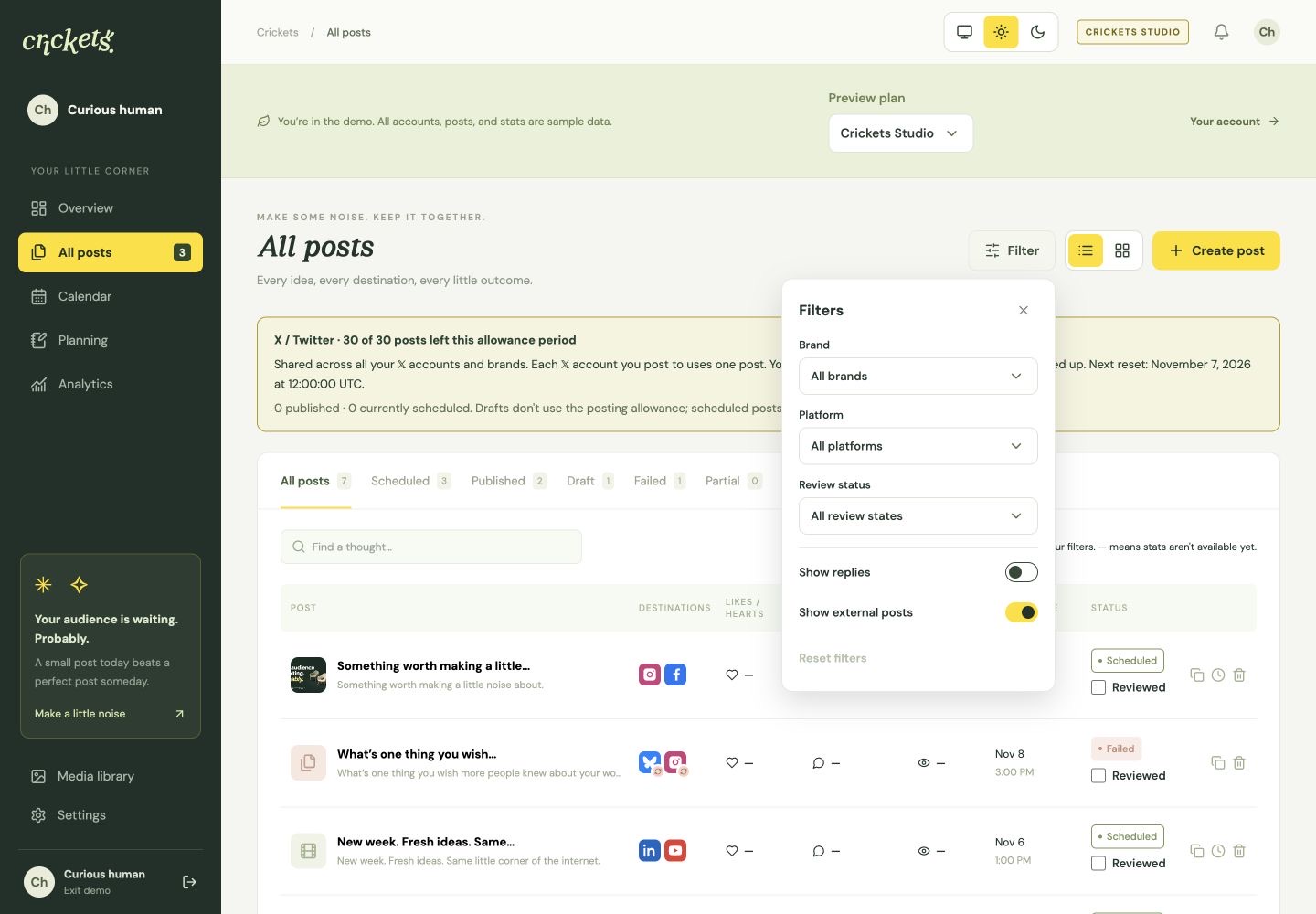
Switch All posts between List and Cards. Mark Crickets posts Reviewed from either view or the editor, then filter for scheduled posts that still need a look. Content edits clear the mark; client approval is a separate step.
Use a compact list or see the saved content and media in destination previews. Both views share filters and pagination.
Your manual review checklist
Mark a Crickets post Reviewed in All posts or the editor. Later content changes clear the mark so edits get another look.
Find what still needs attention
Combine Not reviewed with Scheduled, then filter by brand or platform. Imported external posts do not need a review mark.
Separate client approvals
Send a preview for client approval and keep the approval decision separate from your own Reviewed checklist.
Review in Calendar
Reviewed Crickets posts have an outline in Calendar, while scheduled and published status remain distinct.
Check delivery outcomes
See each destination’s publication status, recorded time and available published-post link. A failed first comment does not mean the confirmed main post failed.
Actual Crickets interface. Sample data, shown for illustration.
Library on every plan · editing in Studio
The right file, without the rummaging.
Find files and clear unused media
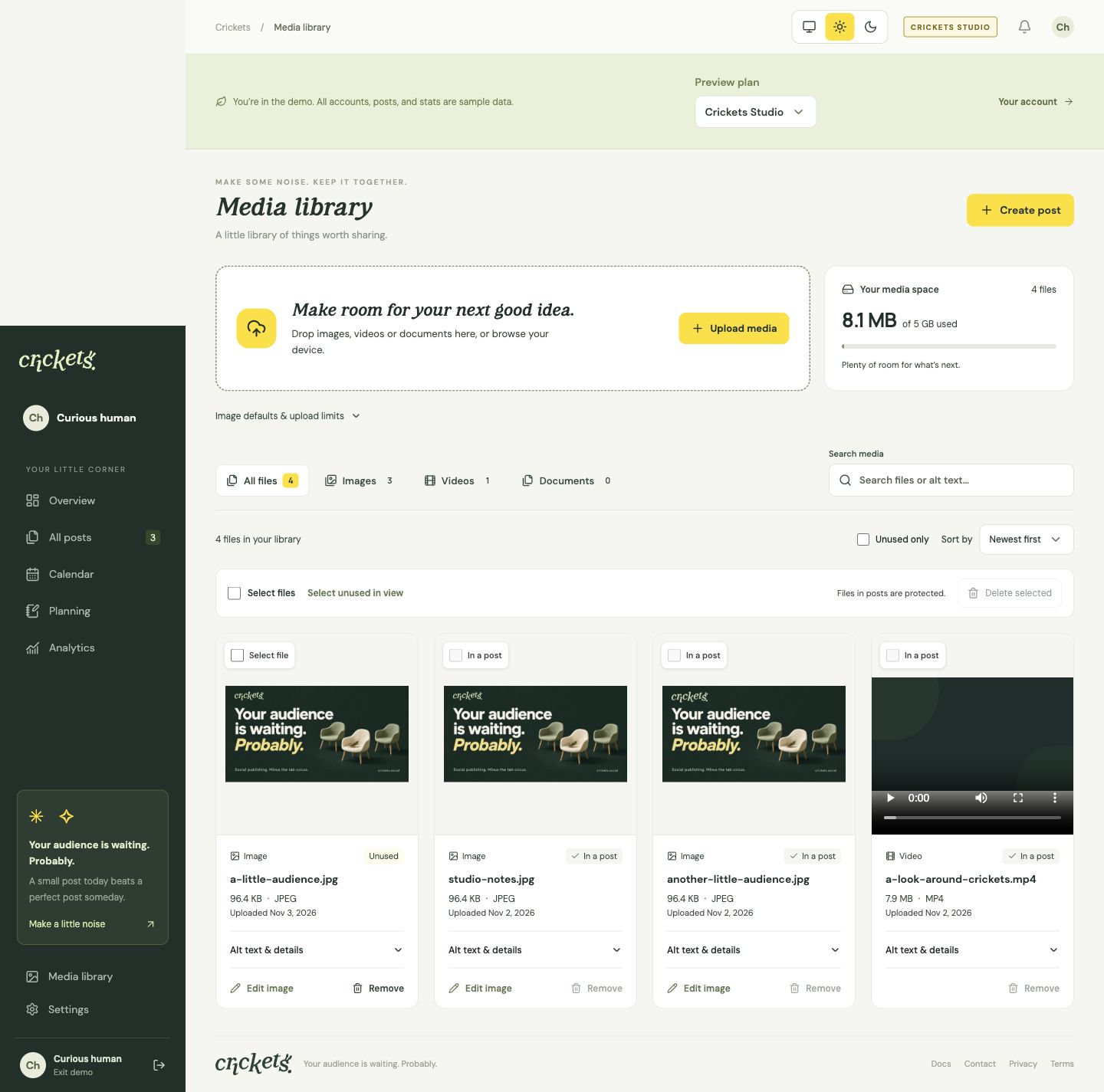
Search filenames and alt text, filter by file type or unused files, and sort the library. Select unused files together and review their names before deleting. Files attached to saved posts are protected.
Upload several images or videos at once, find files by filename or alt text, and filter by file type or unused files.
Automatic image preparation
Crickets applies the current image defaults, corrects orientation and strips metadata. MP4 videos stay unchanged and must be below 10 MB.
Alt text you can edit
Write descriptions on Free. Plus and Studio can draft or regenerate them with AI; review the result before publishing.
Crop, rotate & position · Studio
Edit an image from the library or composer. Save a new copy, or overwrite an original when it is not already attached to a post.
Your logos, by brand · Studio
Save SVG, PNG or JPG logos. Insert them on images, drag to position, resize, or center them. SVG/PNG logo transparency is preserved.
Cleanup with safeguards
Review selected unused filenames before deleting. Files attached to saved posts are protected; logos stay separate from ordinary library media.
Actual Crickets interface. Sample data, shown for illustration.
Every plan · available platform metrics
See the numbers. And their limits.
Read the coverage behind the counts
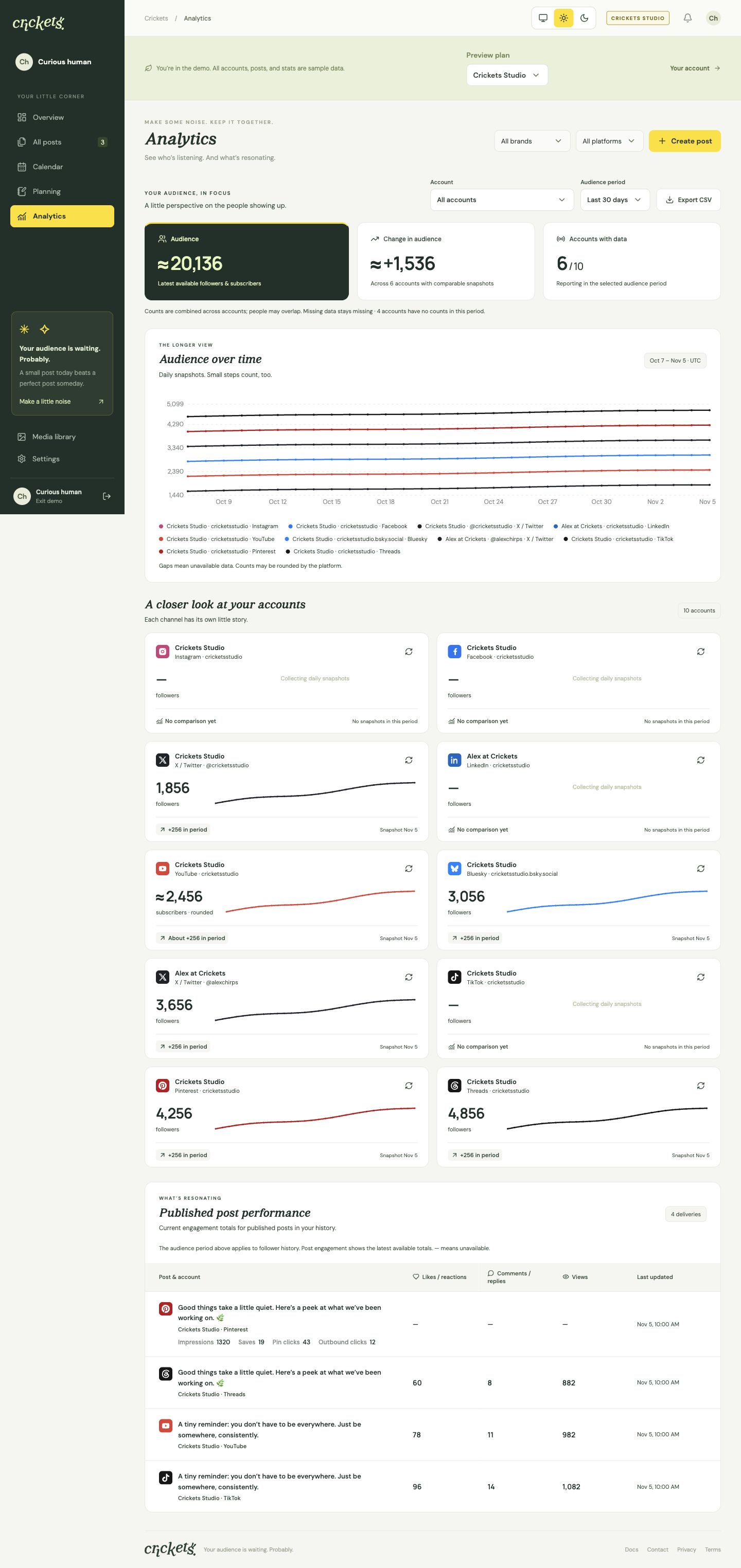
Use account and audience-period filters, audience trends, per-account summaries and a published-post performance table. Export audience history to CSV. Missing counts stay unavailable, and partial or last-known results keep their labels.
Follow recorded follower or subscriber counts with an audience-period selector and per-account trends. History starts when you connect.
Focus on an account or brand
Use intersecting brand, platform and account filters. Combined audience counts can include the same people across accounts.
Published-post performance
See available likes, comments and supported video views alongside posts, including eligible imported posts.
Honest missing data
An unavailable count stays a dash. True zero, partial coverage, rounded figures and last-known results retain their labels.
Audience CSV export
Download the selected audience history for your own reporting.
Statistics that keep checking
New posts are checked more frequently; checks slow as posts age. Platform permissions and available metrics determine what can be shown.
Actual Crickets interface. Sample data, shown for illustration.
Every plan · eligible connected accounts
Bring the posts you published elsewhere.
Bring published history together
Eligible connected accounts import available posts since your Crickets signup, including posts published outside Crickets. Keep their original times, distinguish their source and track supported statistics. Platform history limits apply; LinkedIn personal post history is unavailable.
Bring in available published posts back to your Crickets signup date. Platform history depth and account eligibility still apply.
Clear source labels
Imported posts appear alongside Crickets posts with their original publication times and a Posted outside Crickets label.
Choose what you see
Show or hide external posts. Published X replies beginning with @username are hidden by default; turn on Show replies to include them.
The same statistics workflow
Eligible imported posts use the same age-based checks as posts created in Crickets, with honest metric coverage.
Keep history distinct from drafts
Imports do not bring over another scheduler’s unpublished queue. Check that queue yourself before switching.
Know the gaps
LinkedIn personal post history is unavailable. Connecting an account cannot unlock history or metrics its platform does not provide.
Actual Crickets interface. Sample data, shown for illustration.
AI in Plus · editing & integrations in Studio
Extra legwork, on your terms.
Send original images through API or MCP
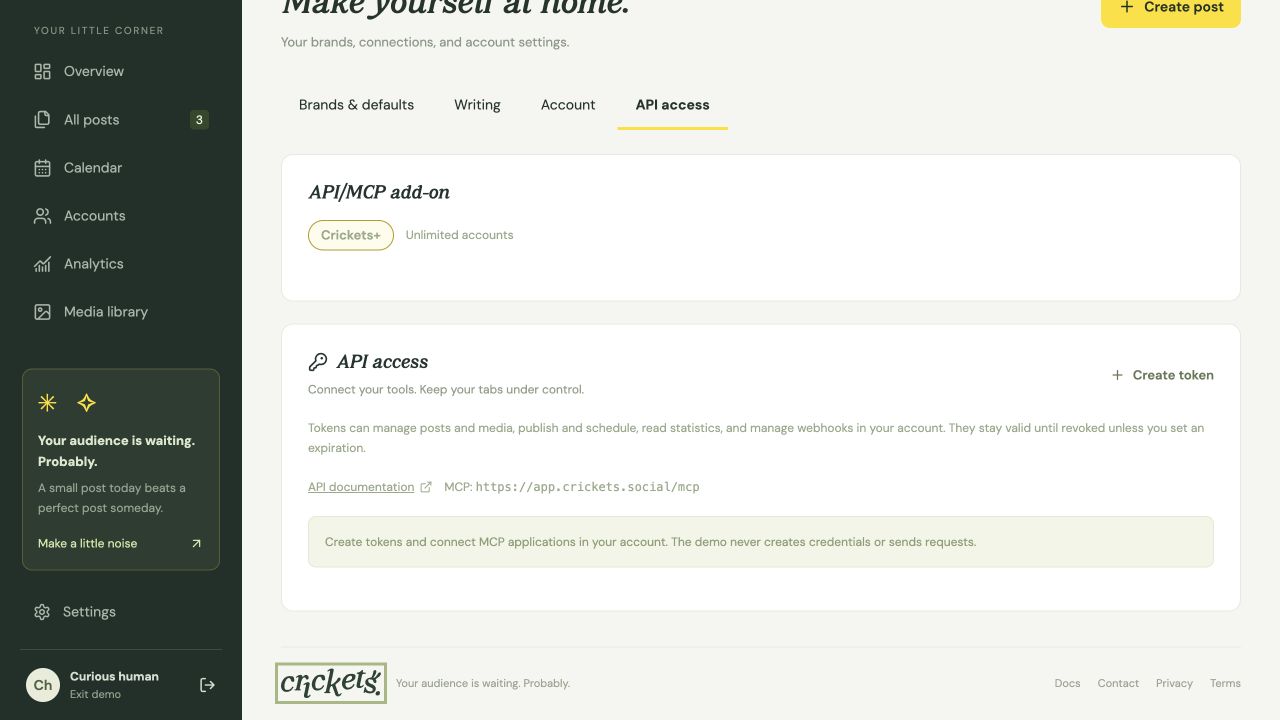
Crickets Studio integrations can upload original JPEG, PNG, WebP, GIF or AVIF files. Crickets corrects orientation, applies the current image defaults and strips metadata automatically. Transparency becomes white and animations use their first frame in the resulting JPEG; saved brand logos have their own transparency-preserving flow.